
| Item | Details |
|---|---|
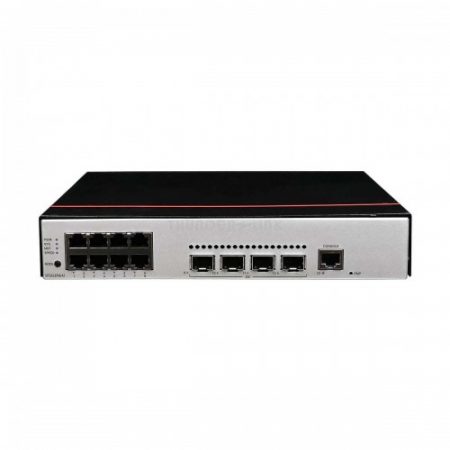
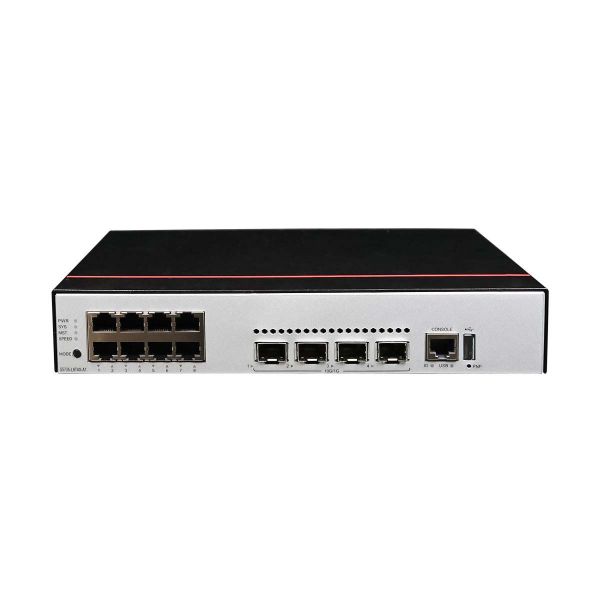
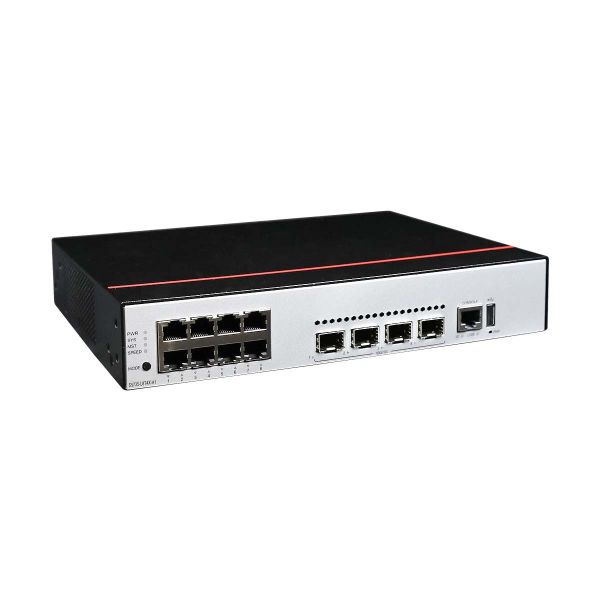
| Description | S5735-L8T4X-A1 (8*10/100/1000BASE-T ports, 4*10GE SFP+ ports, AC power) |
| Part Number | 98011282 |
| Model | S5735-L8T4X-A1 |
| First supported version | V200R020C10 |
| Remarks | Some models cannot be downgraded due to component upgrade. Therefore, you are advised to run the display system-software information command to check the software versions supported by the device before performing a downgrade. If the device does not support the display system-software information command, it can be downgraded. |
Components
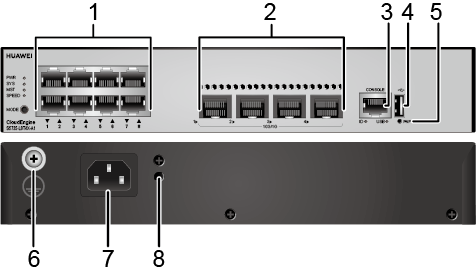
|
1 |
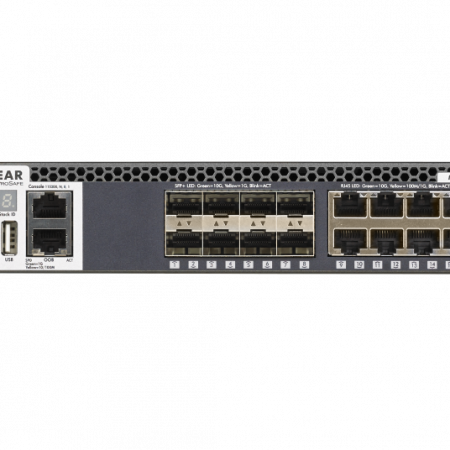
Eight 10/100/1000BASE-T ports |
2 |
Four 10GE SFP+ ports |
|
3 |
One console port |
4 |
One USB port |
|
5 |
One PNP button NOTICE: To restore the factory settings and reset the switch, hold down the button for at least 6 seconds. To reset the switch, press the button. Resetting the switch will cause service interruption. Exercise caution when you press the PNP button. |
6 |
Ground screw NOTE: It is used with a ground cable.
|
|
7 |
AC socket NOTE: It is used with an AC power cable. |
8 |
Jack for AC power cable locking strap NOTE: The AC power cable locking strap is not delivered with the switch.
|
Ports
| Port | Connector Type | Description | Available Components |
|---|---|---|---|
| 10/100/1000BASE-T port | RJ45 | A 10/100/1000BASE-T Ethernet electrical port sends and receives service data at 10/100/1000 Mbit/s. |
Ethernet cable |
| 10GE SFP+ optical port | SFP+ | A 10GE SFP+ Ethernet optical port supports auto-sensing to 1000 Mbit/s. It sends and receives service data at 1000 Mbit/s or 10 Gbit/s. |
|
| Console port | RJ45 | The console port is connected to a console for on-site configuration. |
Console cable |
| USB port | USB 2.0 Type A |
The USB port can have a USB flash drive connected to upgrade the switch, or transfer configuration files or other files. The USB port can only connect to a USB flash drive that complies with USB 2.0. USB flash drives from different vendors differ in model compatibility and drivers. If a USB flash drive cannot be used, try to replace it with another one from a mainstream vendor. Switches support a maximum of 128 GB USB flash drives. |
USB flash drive |
Indicators and Buttons
The S5735-L8T4X-A1 has similar indicators to those on the S5735-L24P4X-A1 except that the S5735-L8T4X-A1 does not have a PoE mode indicator. For details, see the S5735-L24P4X-A1.
Power Supply System
The switch has a built-in AC power module and does not support pluggable power modules.
Heat Dissipation System
The switch has a built-in fan for forced air cooling. Air flows in from the left side and front panel, and exhausts from the right side.
When working properly at a normal temperature, the device meets the desktop-class noise requirements. However, the fan speed may be high and the noise may be loud during device startup.